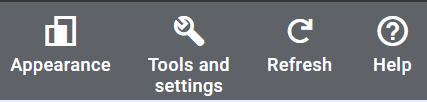
Click on Tools & Settings in your top navigation bar
Under ‘Setup’, Click on ‘Access & Security’

Click on Access & Security

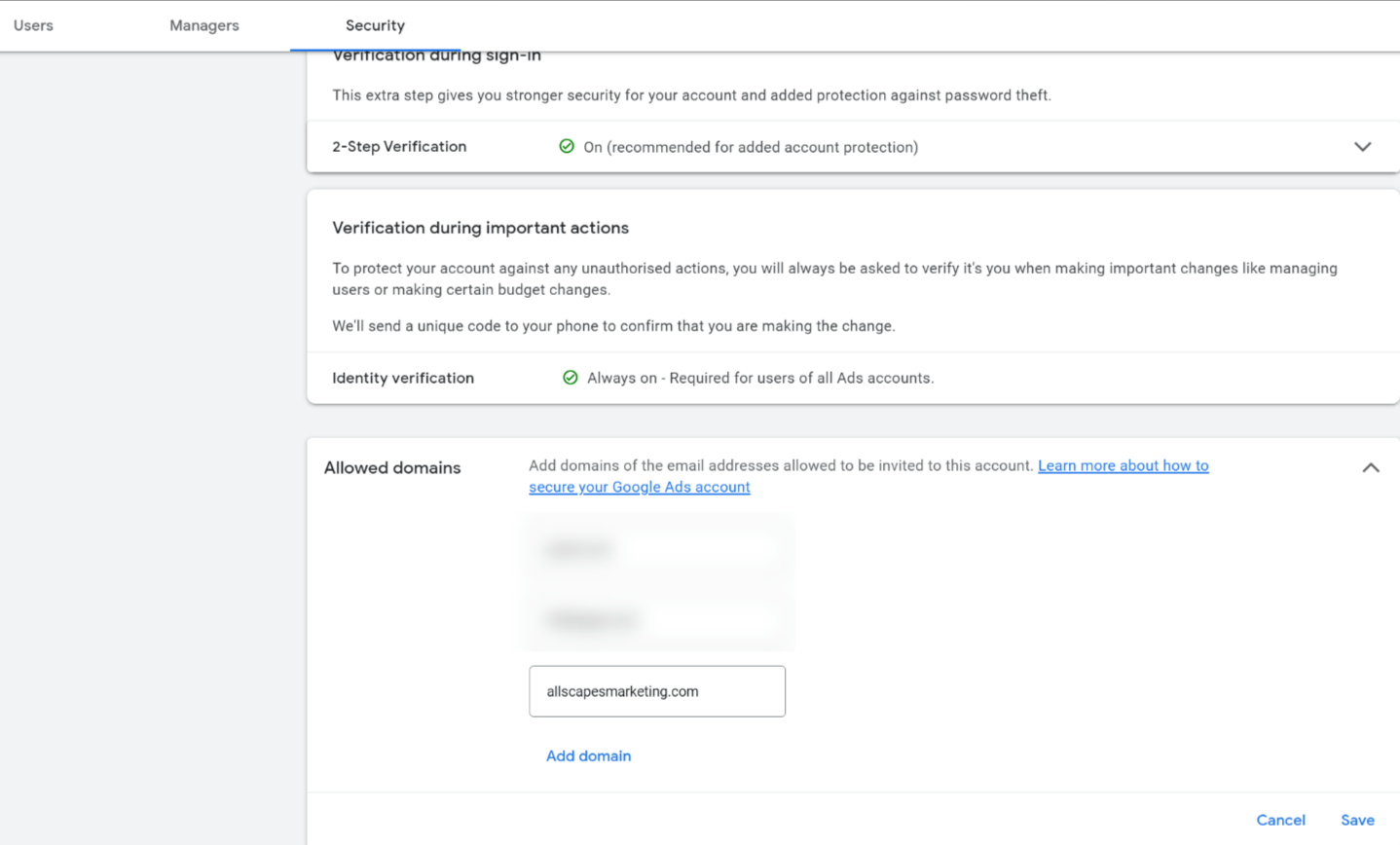
Add ‘allscapesmarketing.com’ as an allowed domain (gmail.com, website domain.com, etc), click ‘Save’.
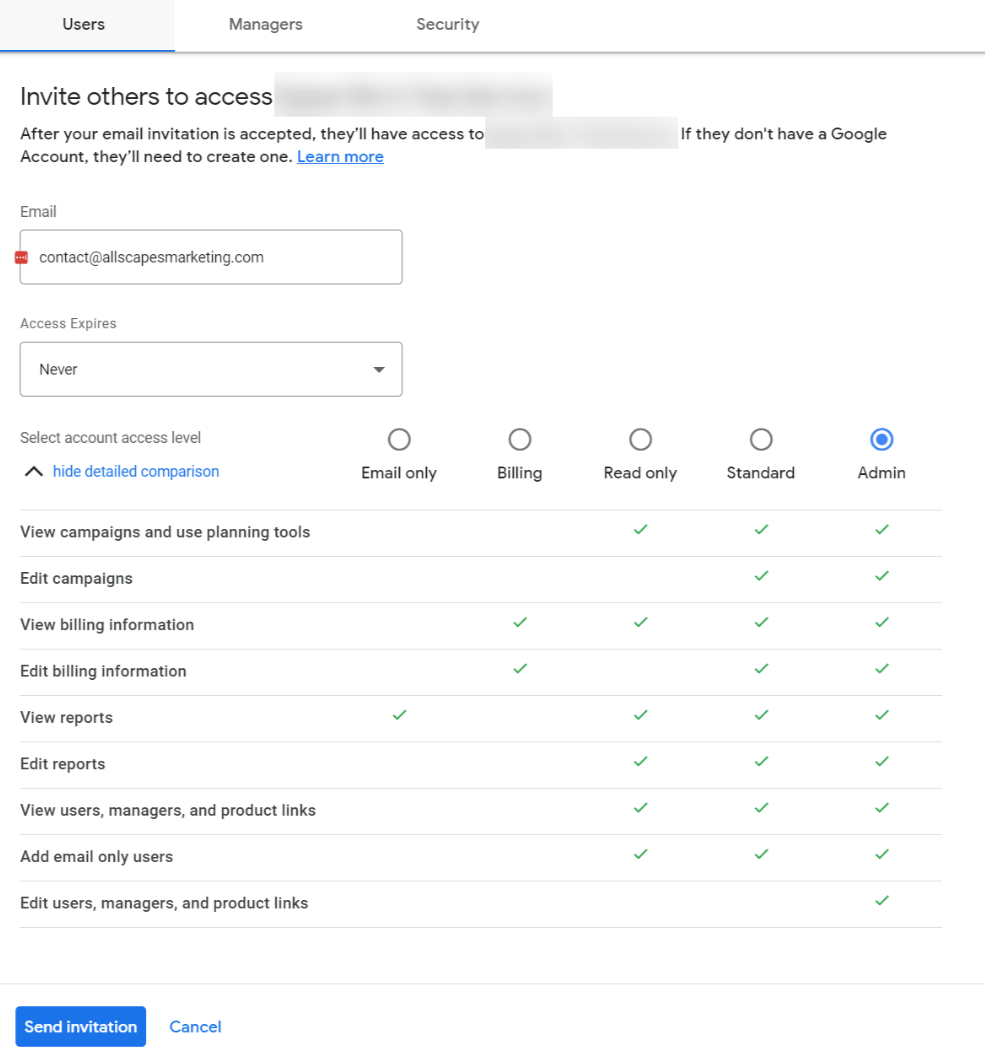
Go back to Users then add ‘contact@allscapesmarketing.com’ as an Admin